
Change Order Pricing Calculator
By Wyatt Cooper · Published · 4 min read
Key takeaways
- Enter direct cost in two groups, your own work and subcontracted work, and the spreadsheet applies the markup on each group's total, then insurance and bond on the subtotal.
- Every amount is rounded to the cent where it is computed, so the total matches a change order priced the same way on paper.
- It opens with a worked example: $11,293.53 of direct cost priced at 15% and 5%, then 1.0% insurance and 1.2% bond, comes to $12,265.60.
This free spreadsheet prices a change order from direct cost. Enter labor at your burdened rate, materials with tax, equipment and subcontractor quotes, then the markup percentages your contract allows on your own work and on subcontracted work, and the insurance and bond rates. It shows the direct cost, each markup, the subtotal, insurance, bond and the change order total, to the cent. Download it with no email address; the percentages come from your contract.
Change order pricing calculator (Excel)
Download (XLSX, no email needed)Change order pricing calculator
| Your own work | $0.00 |
| Subcontracted work | $0.00 |
| Direct cost | $0.00 |
| Markup on your own work | $0.00 |
| Markup on subcontracted work | $0.00 |
| Subtotal | $0.00 |
| Insurance | $0.00 |
| Bond | $0.00 |
| Change order total | $0.00 |
|---|
How to fill it in
- Labor: hours times the burdened hourly rate (base wage plus payroll taxes, insurance, benefits and fringes), from your payroll records.
- Materials: quantities times supplier prices, plus sales tax and delivery.
- Equipment: rental invoices or your company's equipment rates.
- Subcontractor quotes: each sub's quoted price; it already includes the sub's own overhead and profit.
- Markups: the overhead-and-profit rate your contract allows on your own work, and the rate on subcontracted work. Set both the same for a single markup on the total cost.
- Insurance and bond: your actual premium rates, if the contract lets you add them. Each is taken on the subtotal after markups.
- Schedule impact: the working days the change adds, with the schedule logic in the change order itself.
The markups are not standard; your contract sets them. Caltrans' force-account rules, for example, add 35% to labor (after a labor surcharge), 15% to materials and equipment, and 10% to subcontracted work (Caltrans payment module). Notice deadlines matter as much as the arithmetic: federal contracts allow no adjustment for costs incurred more than 20 days before written notice of a constructive change (FAR 52.243-4).
The worked example it opens with
The sheet opens with the fictional floor-box change from how to price a change order, so you can see each formula work before you type over it. The formulas reproduce that example's totals.
| Line | Working | Amount |
|---|---|---|
| Your own work | $803.16 + $445.37 + $185.00 | $1,433.53 |
| Subcontractor quotes | One quote | $9,860.00 |
| Direct cost | $1,433.53 + $9,860.00 | $11,293.53 |
| Markup on your own work | 15% × $1,433.53 = $215.0295 | $215.03 |
| Markup on subcontracted work | 5% × $9,860.00 | $493.00 |
| Subtotal | $11,293.53 + $215.03 + $493.00 | $12,001.56 |
| Insurance | 1.0% × $12,001.56 = $120.0156 | $120.02 |
| Bond | 1.2% × $12,001.56 = $144.01872 | $144.02 |
| Change order total | $12,001.56 + $120.02 + $144.02 | $12,265.60 |
A subcontractor writing its own request uses the same sheet: put its own labor, materials and equipment in the first three lines and its overhead and profit in the own-work markup, as in how a subcontractor writes a change order request. An owner checking a contractor's number can type in the contract's rates and compare, as in how to review a change order as an owner.
How it works in Conflo
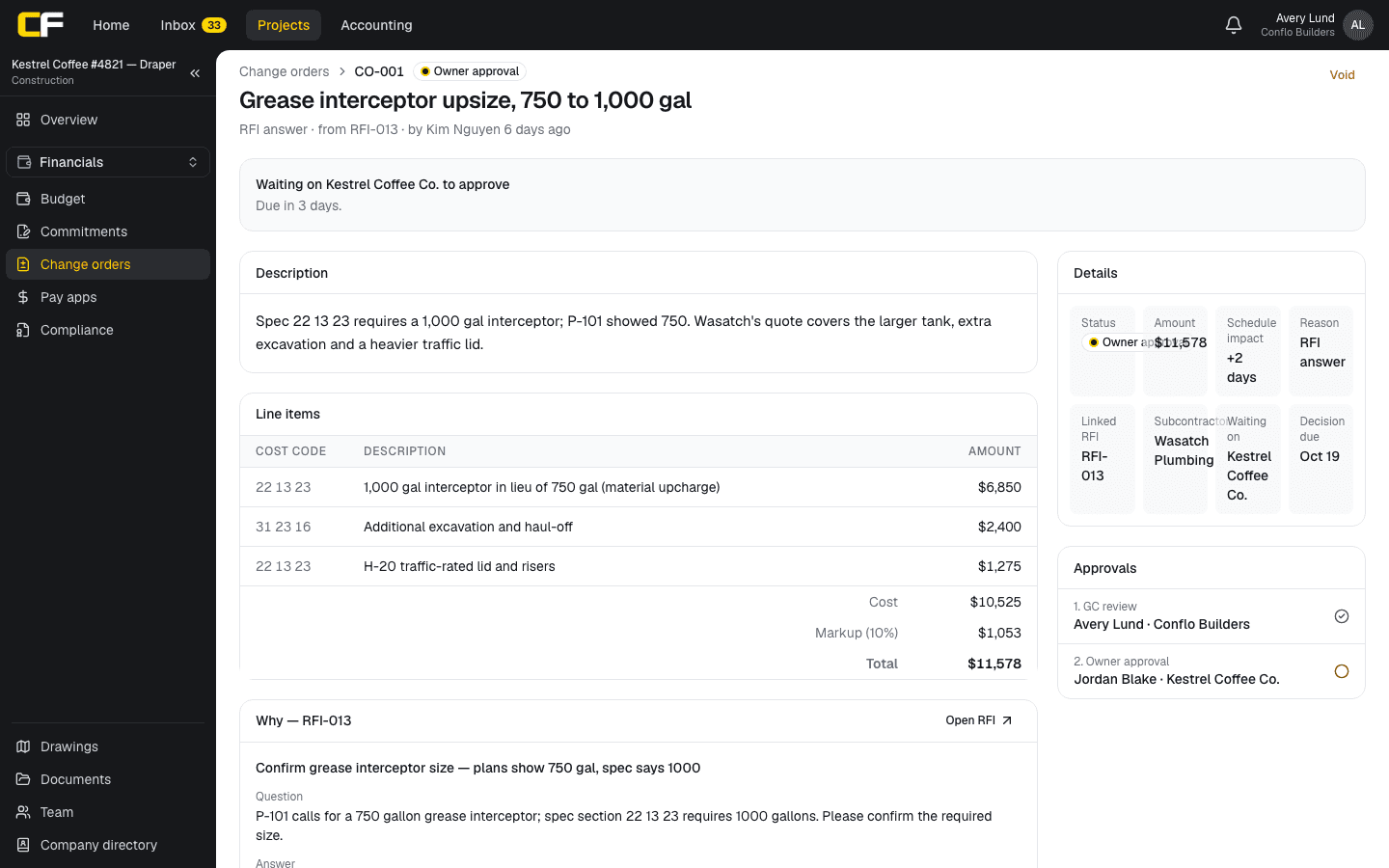
In Conflo a change order is priced in cost-coded lines with one markup percentage, from 0 to 50%, on the total cost; the owner price is cost plus markup, to the cent, and each line is shown to the owner at its share of that price. Separate rates for own work and subcontracted work, and insurance and bond lines, are not built; this spreadsheet does that arithmetic.
The bottom line
Price every change order the same way: direct cost by group, the contract's markups applied once each, insurance and bond where allowed, and the days. The spreadsheet does the arithmetic to the cent; the percentages come from your contract.
Download it, keep it with your change order log, and attach the backup each line comes from.
Sources
- Local Assistance Module 8: Payment (January 2026), force account under Standard Specifications 9-1.04 — California Department of Transportation (Caltrans). Read October 16, 2026.
- FAR 52.243-4, Changes — Acquisition.gov, U.S. General Services Administration. Read October 16, 2026.
Questions
How do you calculate a change order price?
Add the direct cost (burdened labor, materials with tax, equipment, subcontractor quotes), then the markups the contract allows on your own work and on subcontracted work, then insurance and bond where allowed. Round each amount to the cent and add them up.
Is markup applied to each line or to the total?
This spreadsheet applies each markup to its group's total, which is how contracts usually state it and how the totals are checked. Marking up each line separately can differ by a cent or two through rounding.
Are insurance and bond applied before or after markup?
Contracts differ. In this spreadsheet, each is a percentage of the subtotal after overhead and profit. If your contract puts bond on the total including insurance, multiply that way instead.
Related
Money
How Do You Price a Change Order?
Price a change order from direct cost (burdened labor, materials, equipment, sub quotes), then the markups and time your contract allows. Worked example.
· 9 min read
Money
How Does a Subcontractor Write a Change Order Request?
A sub's change order request: notice first, then scope, priced direct cost, your markup, days and backup the GC can pass to the owner. Worked example.
· 9 min read
Money
How Should an Owner Review a Change Order?
How an owner reviews a contractor's change order: is it a change, is the price right, are the markups the contract's, are the days real. Worked example.
· 8 min read
Bidding
Markup vs Margin: How Should a Contractor Price Work?
Markup is a percentage of cost; margin is a percentage of price. A 20% markup is a 16.7% margin. Conversion table and a worked remodel example.
· 5 min read
Role hub
The General Contractor's Guide: Bid to Closeout
What a general contractor is responsible for at every phase of a commercial job, from bidding and buyout to RFIs, change orders, pay apps and closeout.
· 8 min read